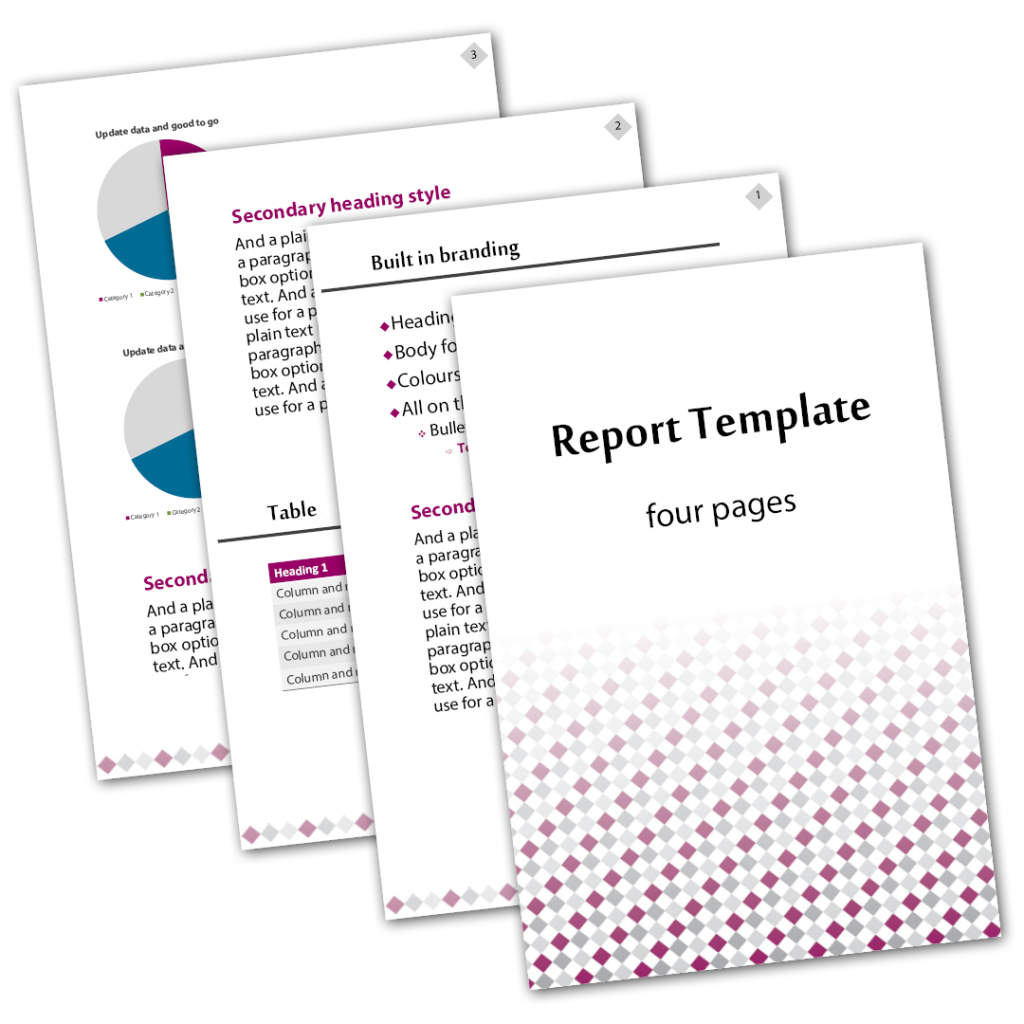
report template design in Microsoft Word or InDesign designed by graphic designer Kassandra Marsh from Make Better Documents, Brisbane Australia,
document design

Report Template

At Make Better Documents, we’re committed to developing customised report templates that align perfectly with your company’s specific requirements. Our goal is to streamline your document creation process, ensuring that every team member can easily generate professional, cohesive reports.

Our service offers the development of a four-page template, meticulously designed for either Microsoft Word or Adobe InDesign platforms. This comprehensive package includes:

  • A striking cover page to make a memorable first impression.
  • Integrated fonts and color schemes aligned with your brand identity.
  • Clear, well-structured headings for effortless navigation.
  • Tables and graphs to present data in a visually appealing manner.
  • A one-click Table of Contents for enhanced readability and organisation.

Invest in our graphic design services to elevate your corporate documentation, reflecting the high standards and professionalism of your company.

Typical turn-around time: 7 business days.
Template created in your choice of software

Microsoft Word | InDesign

Make Better Documents will design you a basic but versatile InDesign or Word template for any of your business needs. Everything is already built-in so every page will look uniformed and on-brand. Simple and easy to use in-house for any report or document. Includes table, graph and pie chart styles so you can arrange and create infographics very easily. Therefore you can display data alongside your text. Use for meetings, workshops, financial reports, presentations or pitching, government reporting, and a wide range of other situations.

Can be used in any industry.

What to expect

Standard Inclusions

  • Your choice of software: InDesign or Microsoft Word
  • Bonus PDF file with instructions on how to install
  • Word or InDesign template file to install or use
  • Sample document containing placeholder text using your template
  • Built-in fonts and colours
  • Cover page
  • Page numbers (starting after the cover page)
  • One-click updating Table of Contents
  • 1 × Table and 1 × chart design

Included in the design

Front Matter

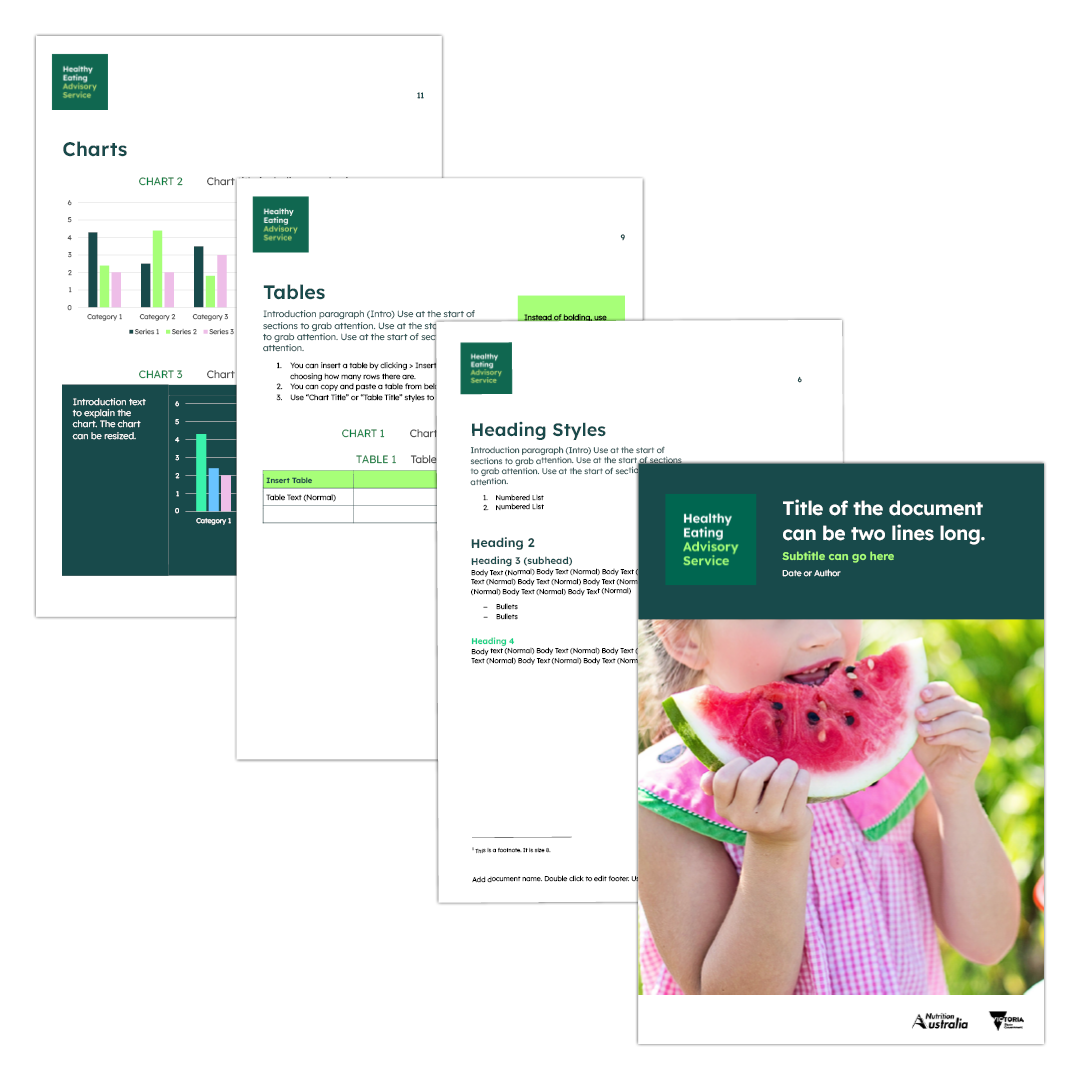
Each report template comes with an easy to edit cover page built in. Where required, fields will be used to make it easy for certain content to appear throughout the document – for example the document title appearing in the footer automatically. Page numbers start after the cover page and are also built in. By default, your report will include a Table of Content (TOC) built in so it will be one-click to update. Great for time saving.

INCLUDED IN THE DESIGN​

Bulletpoints and numbered lists

By default styles are built in to your report template. The bullets go to three levels. These are all custom selected by our designer to match your brand.

INCLUDED IN THE DESIGN​

Single, double sided, or flexible

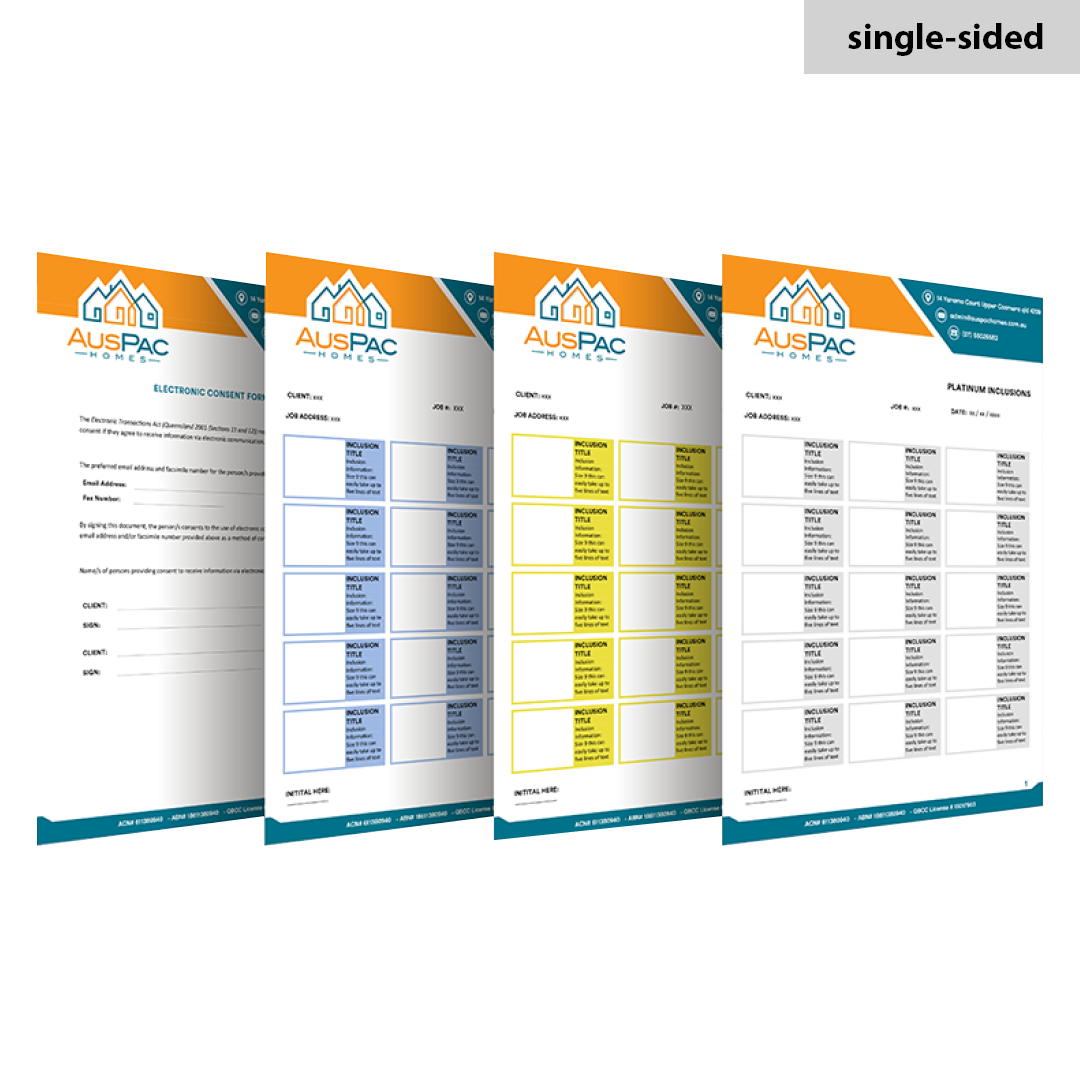
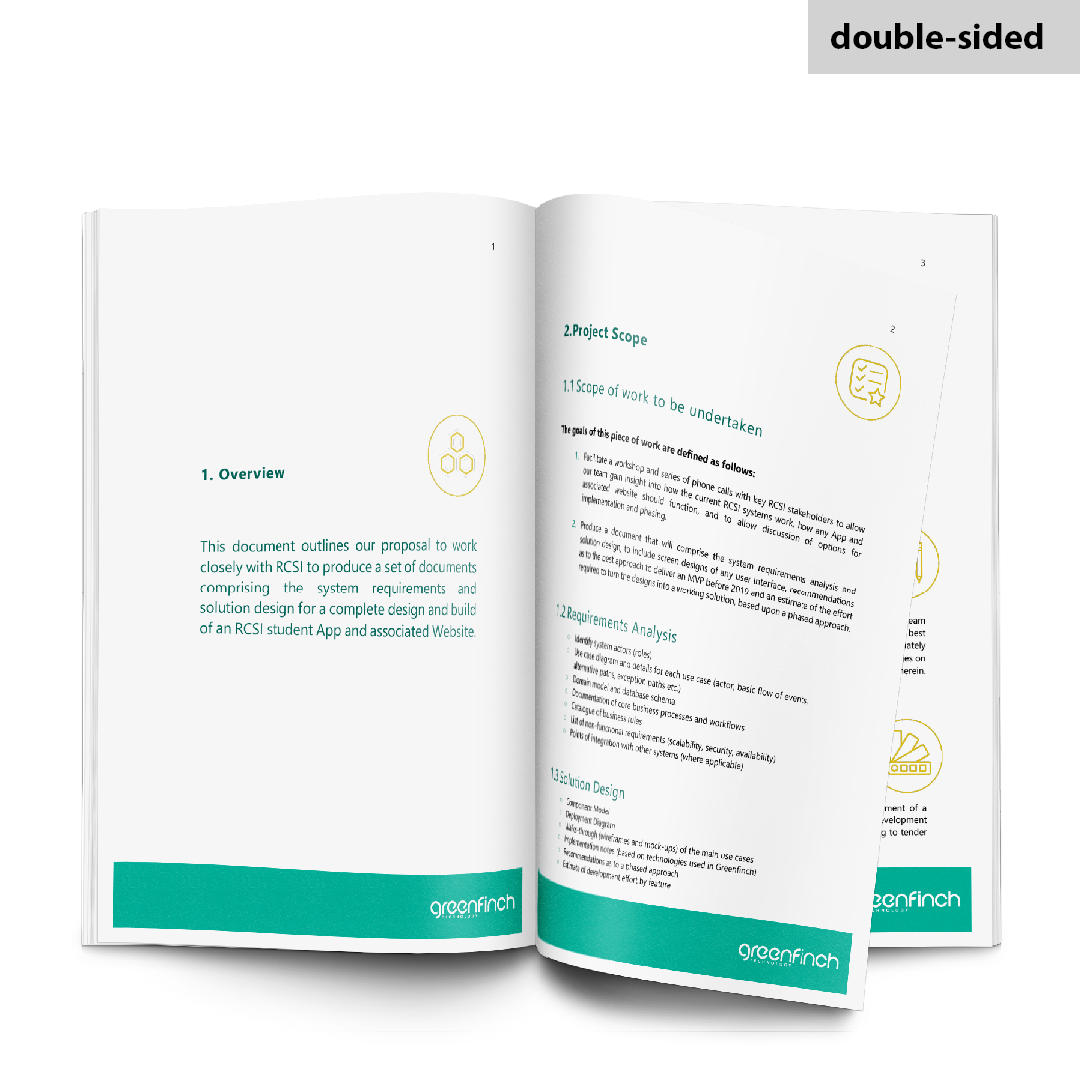
With single sided, each page will look the same in terms of page number, where the logo sits etc. Double-sided will be alternating left and right pages so that it looks great printed and bound as spreads. Flexible will be designed in a way that you could use it for either – Your choice.

INCLUDED IN THE DESIGN​

Headings, subheadings

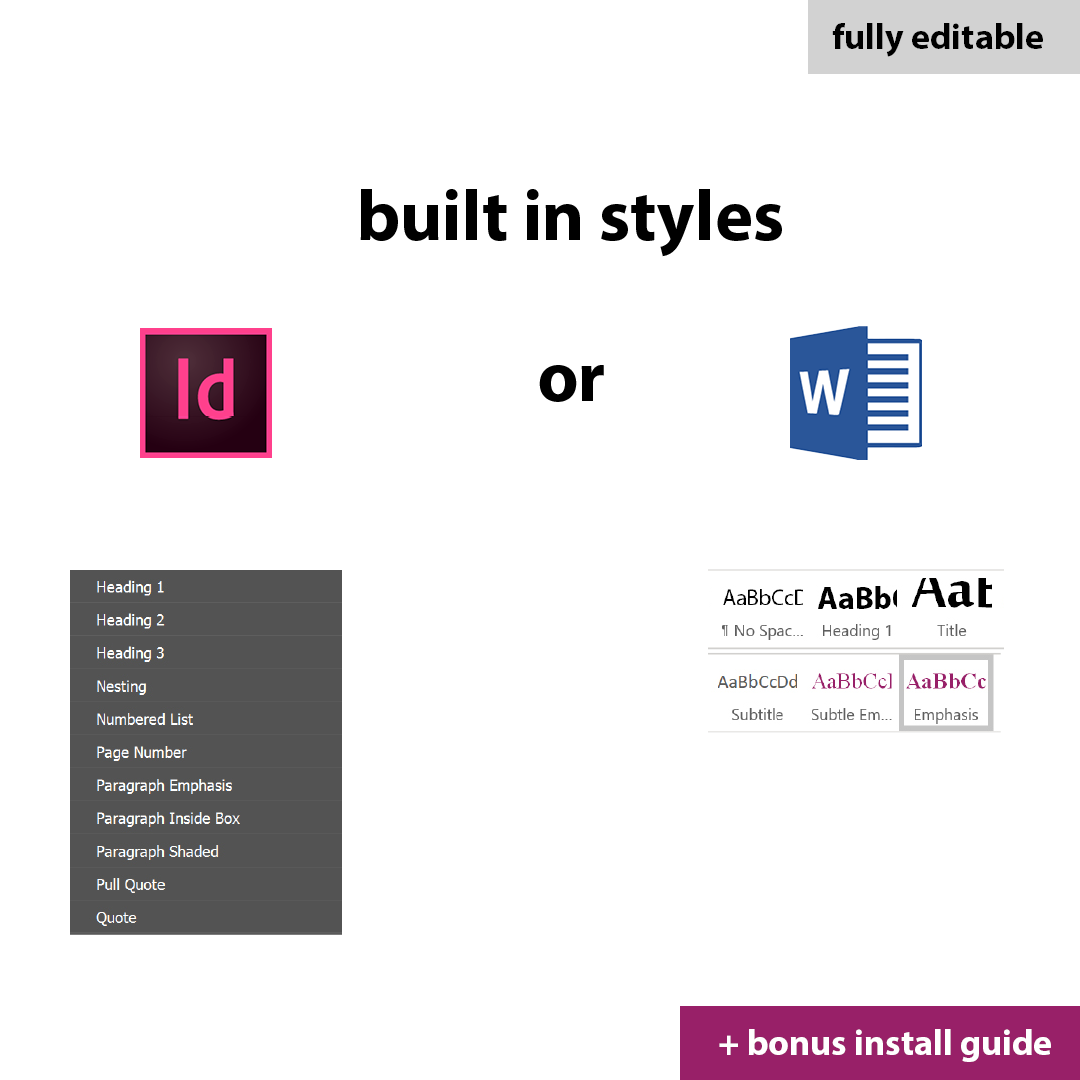
All the fonts including headings and sub headings are all built in. These match your brand. So you can simply add your content directly into InDesign or Word to remain on brand. In Word, your document can even have locked formatting. As a standard, you will be given three heading levels. If you need any specific styles please let Make Better Documents know and these will built in for you.

Elevate Your Reporting with Customized Report Templates

Ready to take your reports to the next level? Reach out to Make Better Documents, and let’s craft a template that saves you time, reduces inconsistency and elevates your brand.